Whiz for Mac
A transcript that knows who spoke.
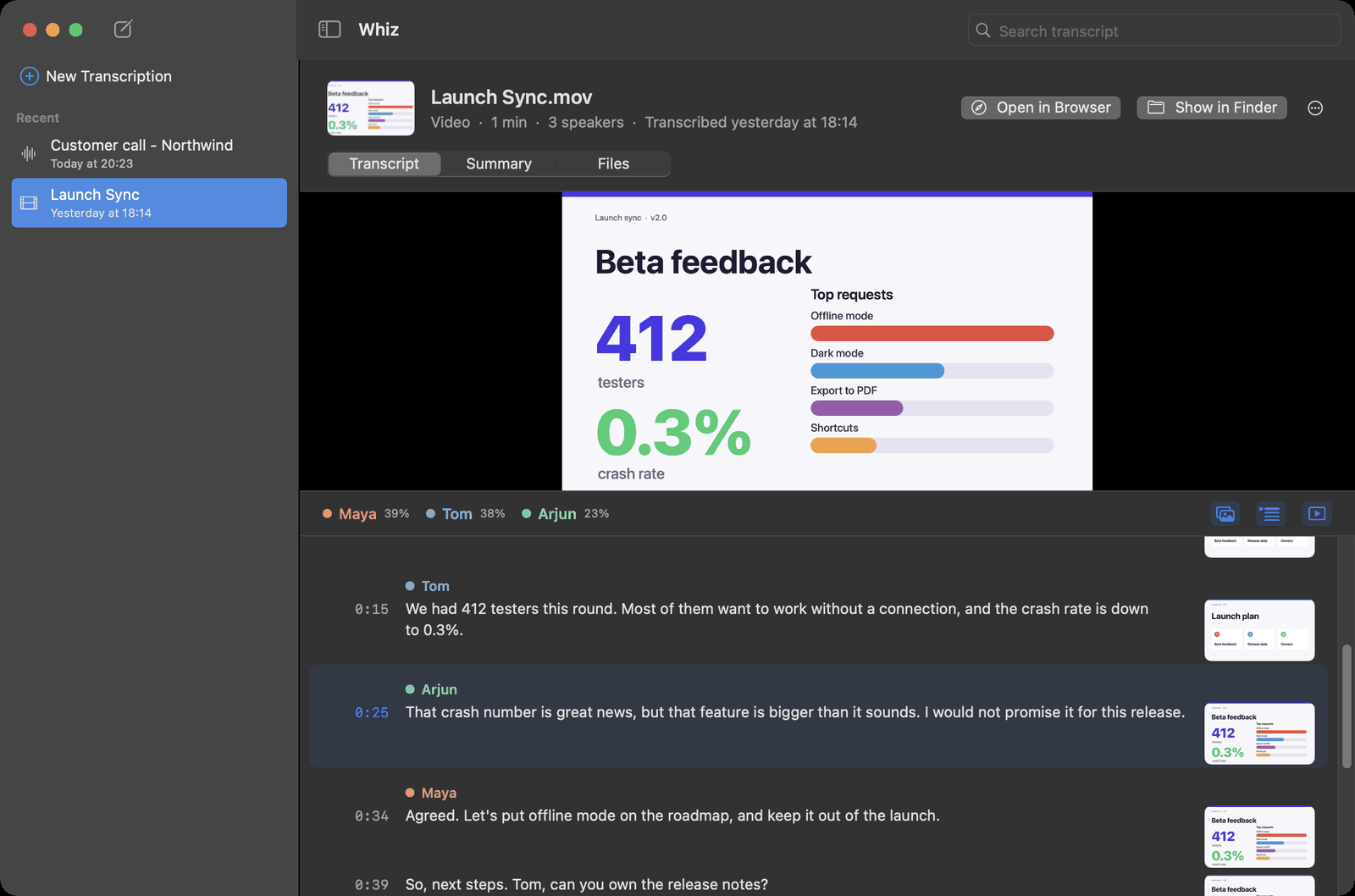
Drop a meeting, a call or a screen recording in the window. Whiz writes down what was said, tells the speakers apart, names the voices it has met before, keeps the slide that was on screen beside every line, and writes the summary. All on your Mac.
What it does
From a recording to notes you can use
Who said what
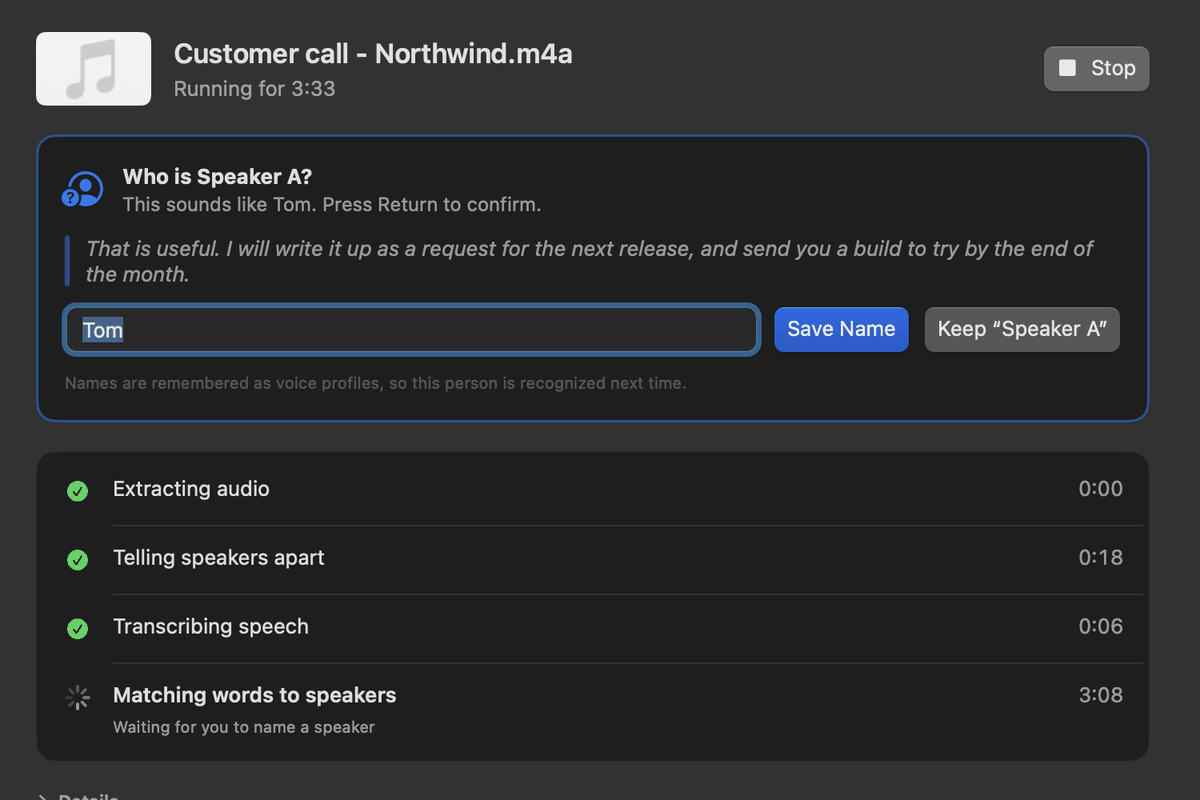
Each line carries the speaker's name and color. Name a voice once, and Whiz recognizes it in your next recordings.
What was on screen
For screen recordings, the slide or window that was showing sits beside the line that was said over it.
A summary with owners
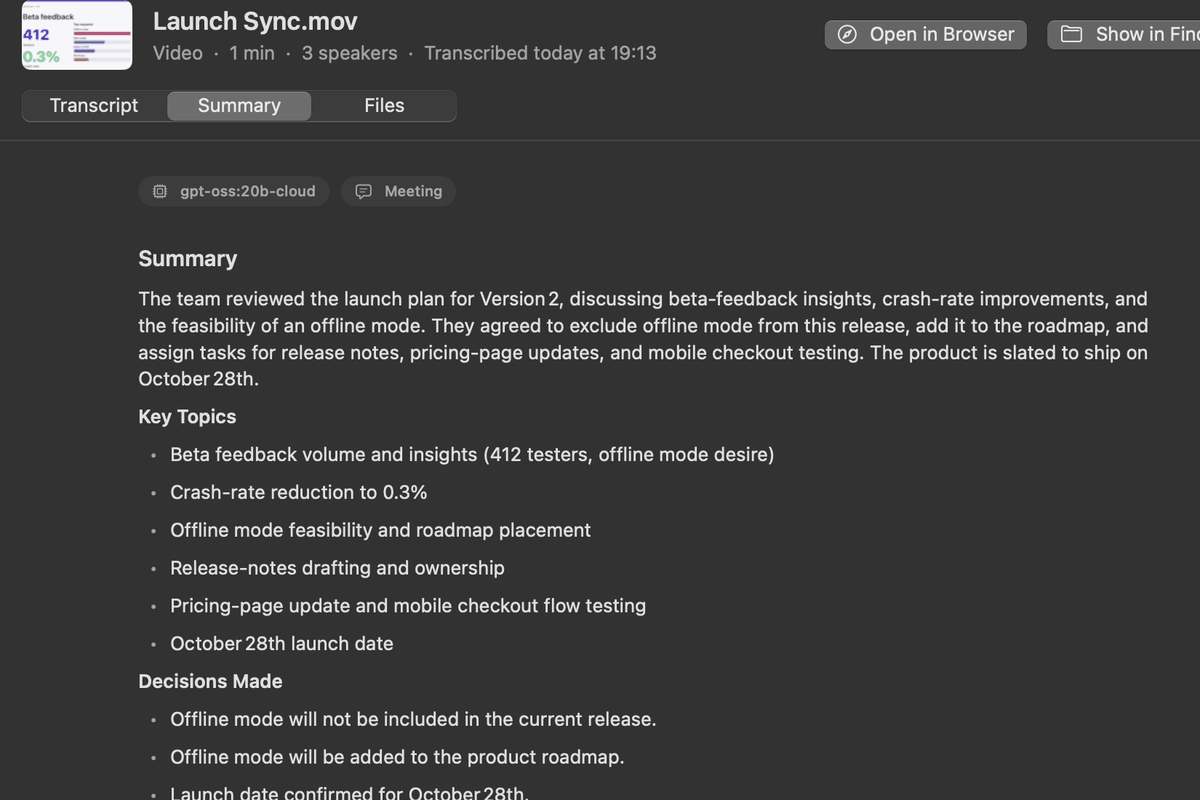
An overview, the decisions made, and every action item with the person who took it.
Ready for your AI
Export a transcript as a PDF for ChatGPT or Claude, or as Markdown for an AI agent, with the key frames included.
Record in the app
Record a call straight from Whiz: your microphone, what your Mac plays and, if you like, the screen.
Nothing to install
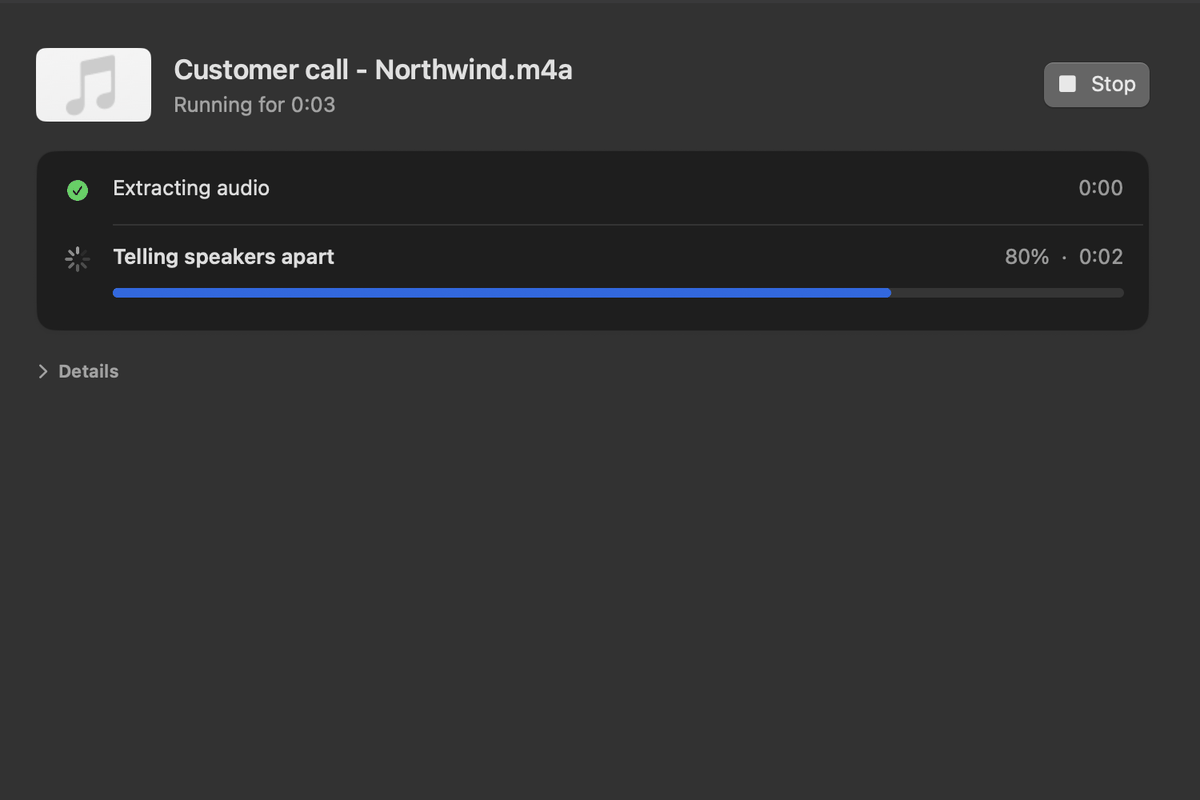
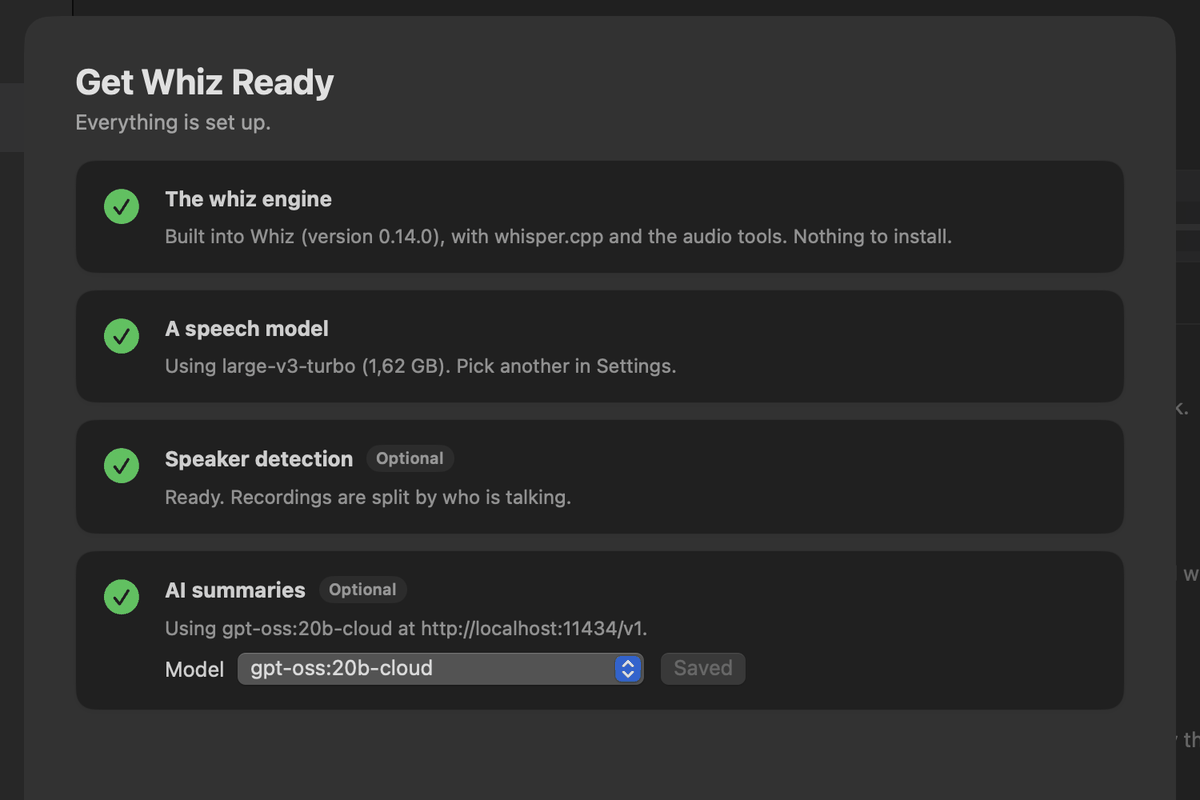
No Homebrew, no Python, no terminal. The speech model downloads on first launch, then everything runs offline.
A closer look
How it looks
Questions
Good to know
Do my recordings leave my Mac?
No. Transcription, speaker detection and summaries run on your Mac, and we never receive your recordings. If you choose a cloud AI model for summaries, the transcript goes to that provider; the default is a model on your own Mac. See the privacy policy.
What happens after the five free transcriptions?
Transcripts you made stay readable and their files stay yours. Starting new transcriptions needs a license.
Is it open source?
Yes. The engine and the app are MIT-licensed at github.com/ReidenXerx/whiz. What you buy is the ready-to-use, signed and notarized app, its license key, updates and support.
How do I get a refund?
Within 30 days, reply to your receipt email or write to hello@duduphudu.app. See the refund policy.